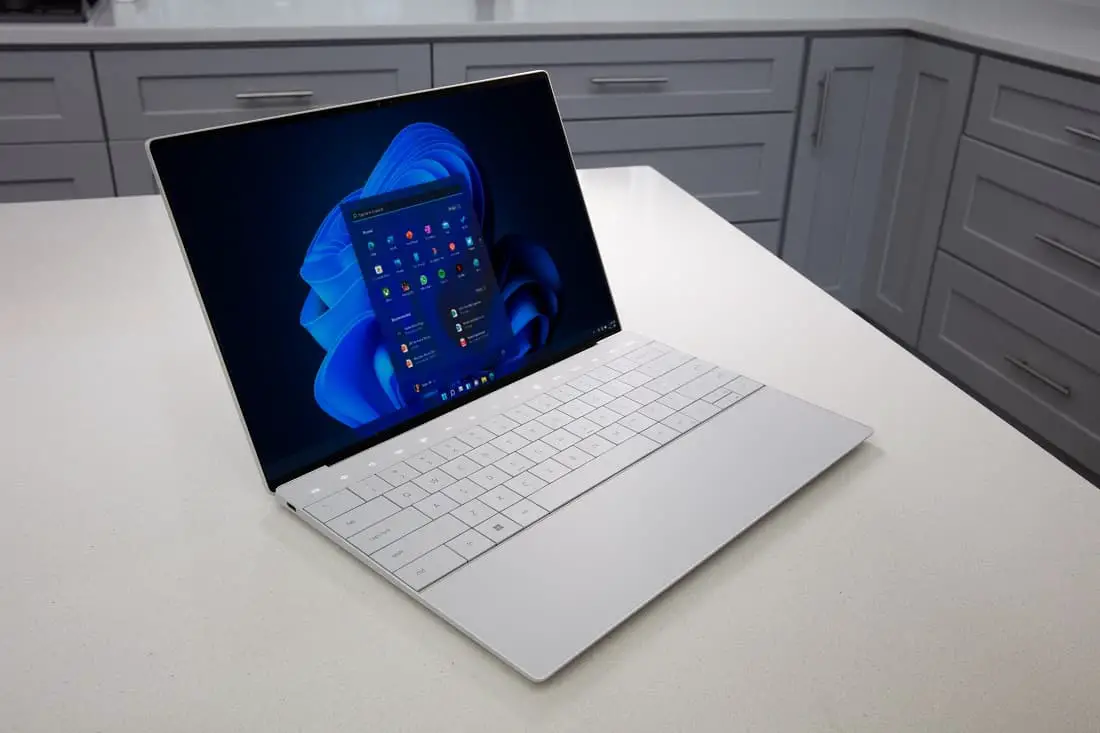
Microsoft’s Windows 11 has transformed the computing landscape since its release, bringing enhanced security features, improved performance, and a redesigned interface to millions of devices worldwide. Understanding the windows 11 cost structure helps consumers and businesses make informed decisions about upgrading their operating systems.
The pricing strategy for Windows 11 reflects Microsoft’s commitment to providing accessible technology while maintaining premium features for different user segments. Whether you’re a home user, student, or business professional, knowing the various pricing options ensures you get the best value for your investment.
Windows 11 Home Edition Pricing
Windows 11 Home represents the entry-level option for most consumers, designed to meet everyday computing needs. The retail price for Windows 11 Home typically ranges from $139 to $199, depending on the retailer and current promotions.
This edition includes essential features like Microsoft Edge, Windows Hello biometric authentication, and access to the Microsoft Store. Users benefit from enhanced gaming capabilities through DirectX 12 Ultimate support and Auto HDR technology, which automatically improves the visual quality of games.
The Home edition also incorporates Microsoft Teams integration, allowing seamless communication and collaboration. Virtual desktop functionality enables users to organize their workspace efficiently, while the new Start menu provides quick access to frequently used applications and files.
Windows 11 Pro Edition Features and Cost
Windows 11 Pro caters to power users, small businesses, and professionals requiring advanced security and management features. The typical Windows 11 cost for Pro edition ranges from $199 to $259 at retail price points.
Professional users gain access to BitLocker encryption, which protects sensitive data through full-disk encryption. Remote Desktop functionality allows users to access their computers from anywhere, enhancing productivity for remote work scenarios.
Group Policy management provides administrators with granular control over system settings and user permissions. Hyper-V virtualization technology enables running multiple operating systems simultaneously, perfect for development and testing environments.
Windows Update for Business gives organizations control over when and how updates are deployed across their network. This feature minimizes disruptions while ensuring systems remain secure and up-to-date.
Educational and Volume Licensing Options
Educational institutions benefit from significant discounts on Windows 11 licensing. Students and faculty members often qualify for reduced pricing through academic licensing programs, sometimes receiving up to 50% off standard retail prices.